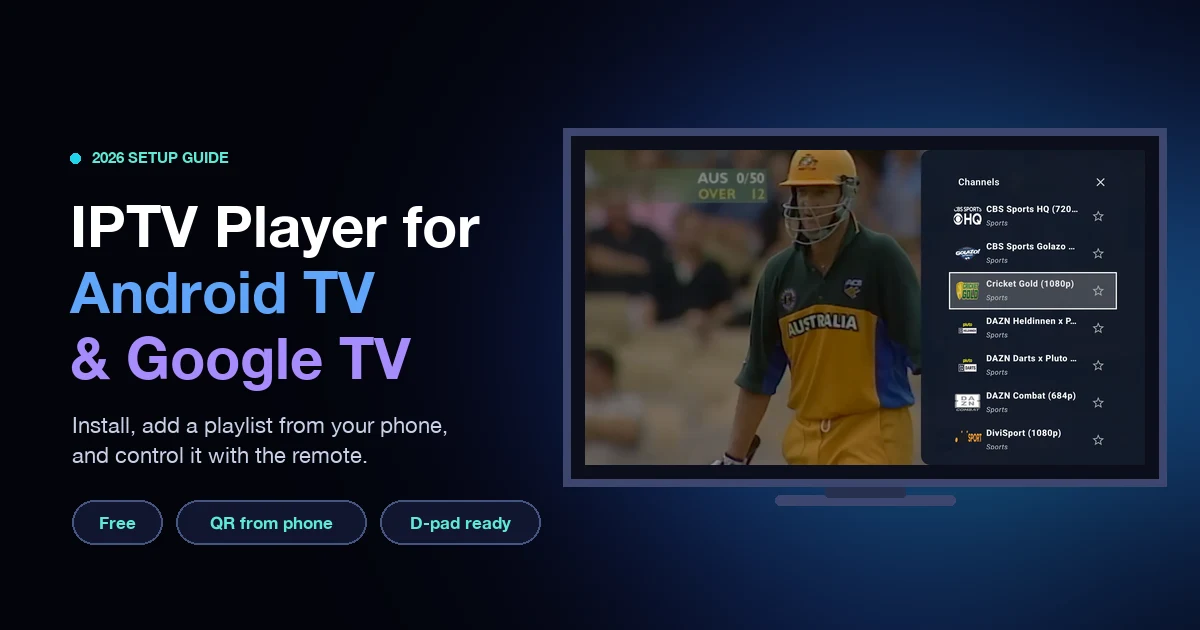
IPTV Player for Android TV & Google TV: Setup Guide + 5 Apps Compared (2026)
How to set up an IPTV player on Android TV and Google TV in 5 minutes, add playlists from your phone with a QR code, and compare 5 apps.
Read More →
Watch live TV on your phone, tablet and Android TV. Add an M3U or Xtream playlist,
or send it to your TV from your phone with a QR code.
No playlist yet? Open World TV brings free-to-air channels from around the world.
One free app for your phone and your TV. It plays the streams you give it and does not sell channels.
Bring live TV to the big screen. The same app now runs on Android TV and Google TV, with a layout made for the remote from the first screen.
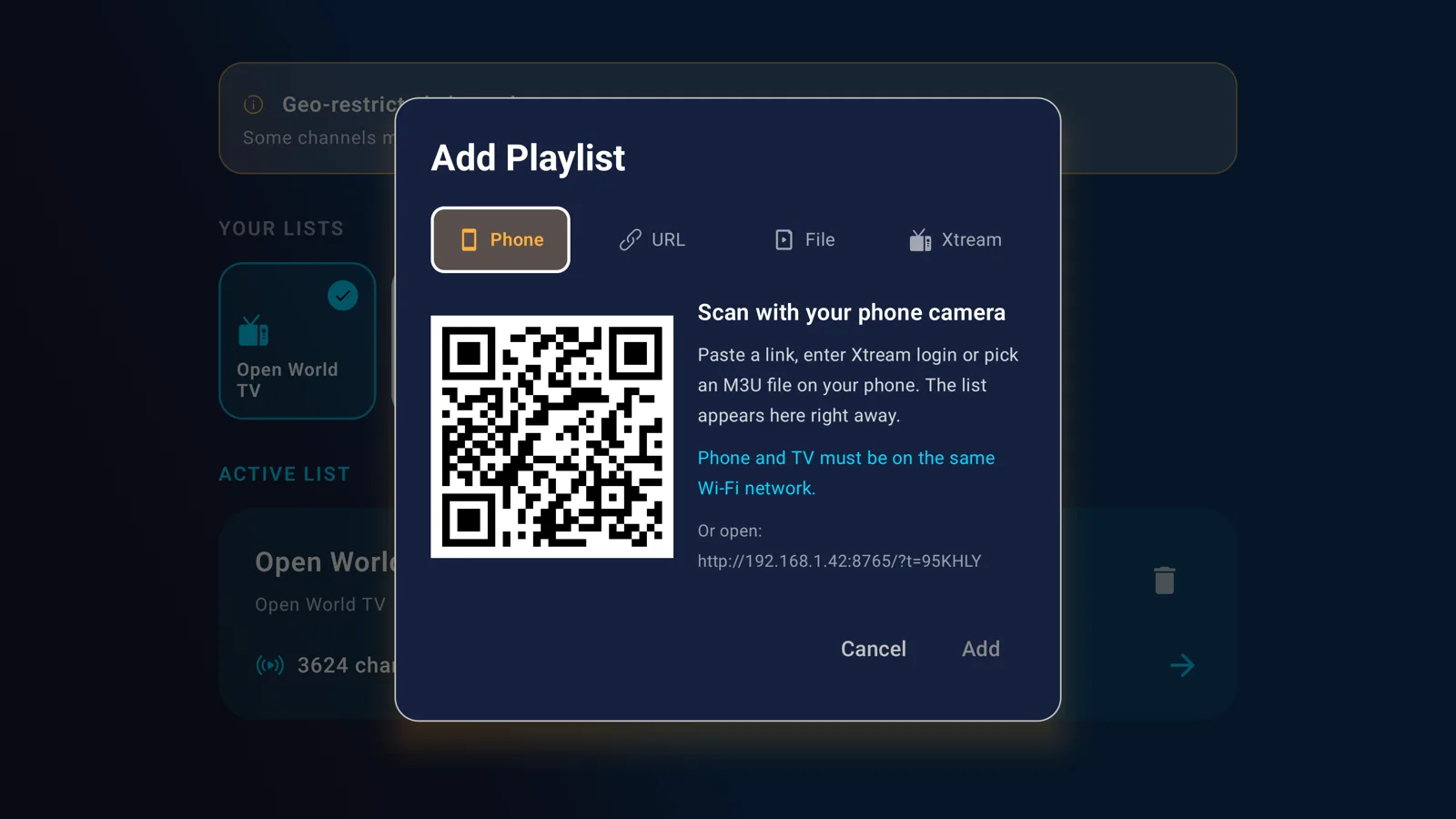
Scan the QR code on your TV and send an M3U link, an Xtream login or an M3U file from your phone. No typing with a remote. Both devices need the same Wi-Fi.
A list of publicly available, legal free-to-air channels, more than 3,600 entries. No account needed. Geo-blocked channels are labeled in the list. How to watch TV for free.
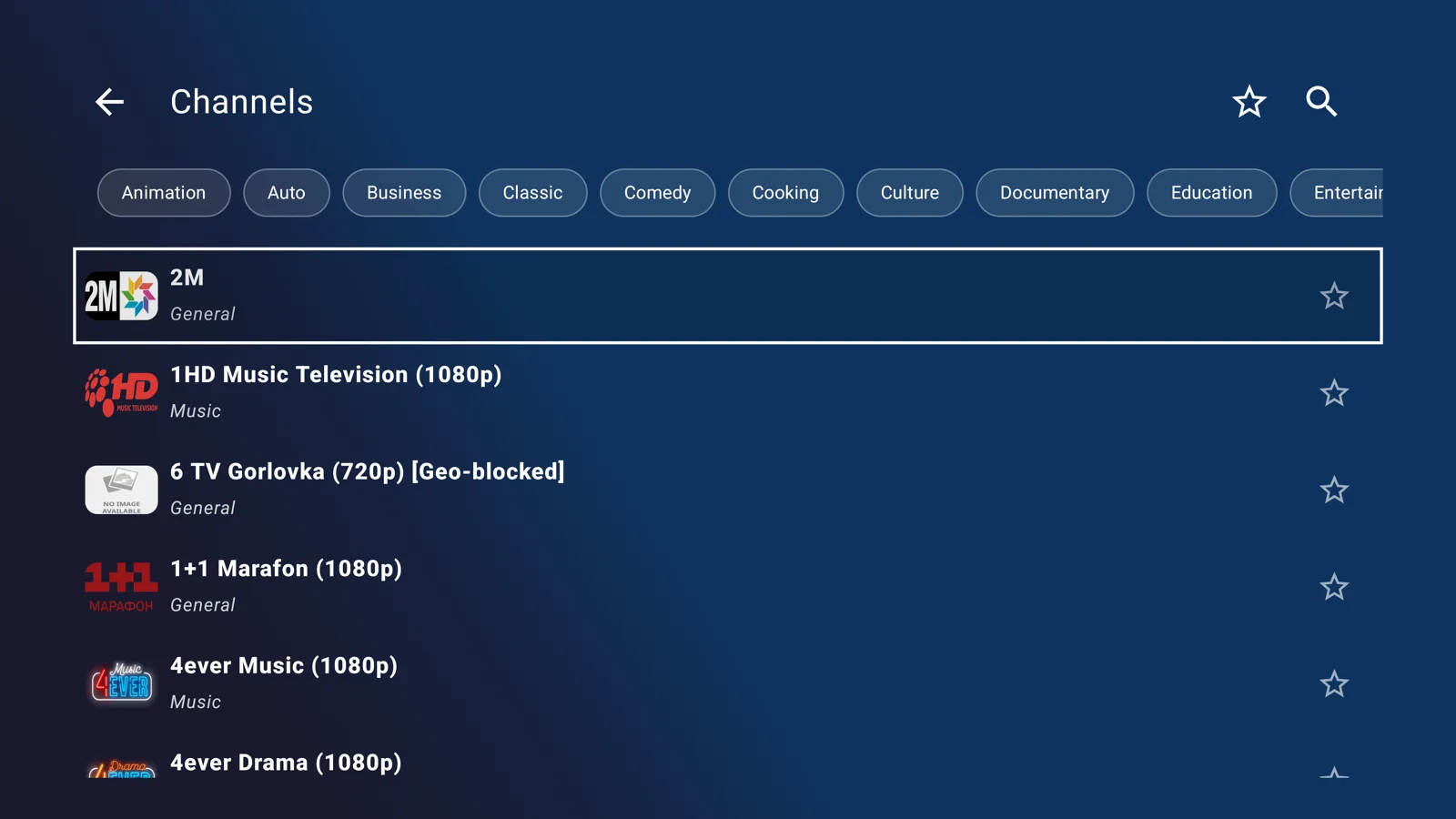
Reads M3U, M3U8, W3U, XSPF, JSON and Xtream Codes. Keep several playlists and switch between them, with search, categories and favorites.
From Low latency for quick channel changes to Poor network for weak connections. Pick the balance between start-up speed and stability.
No ads and no sign-up. The app has no program guide (EPG) and no recording, so it stays light and simple.
Live TV on the big screen, set up from your phone in seconds.
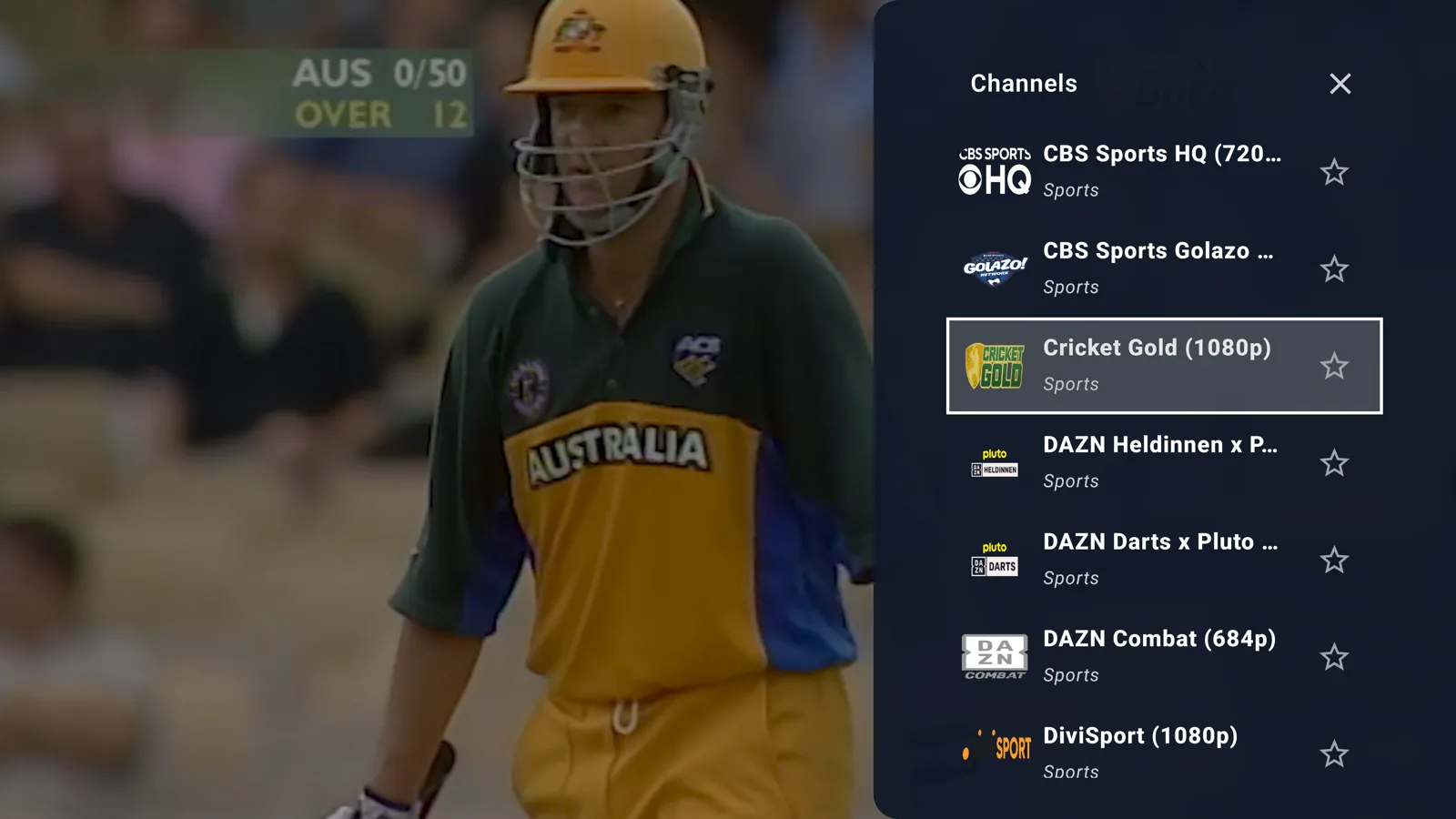
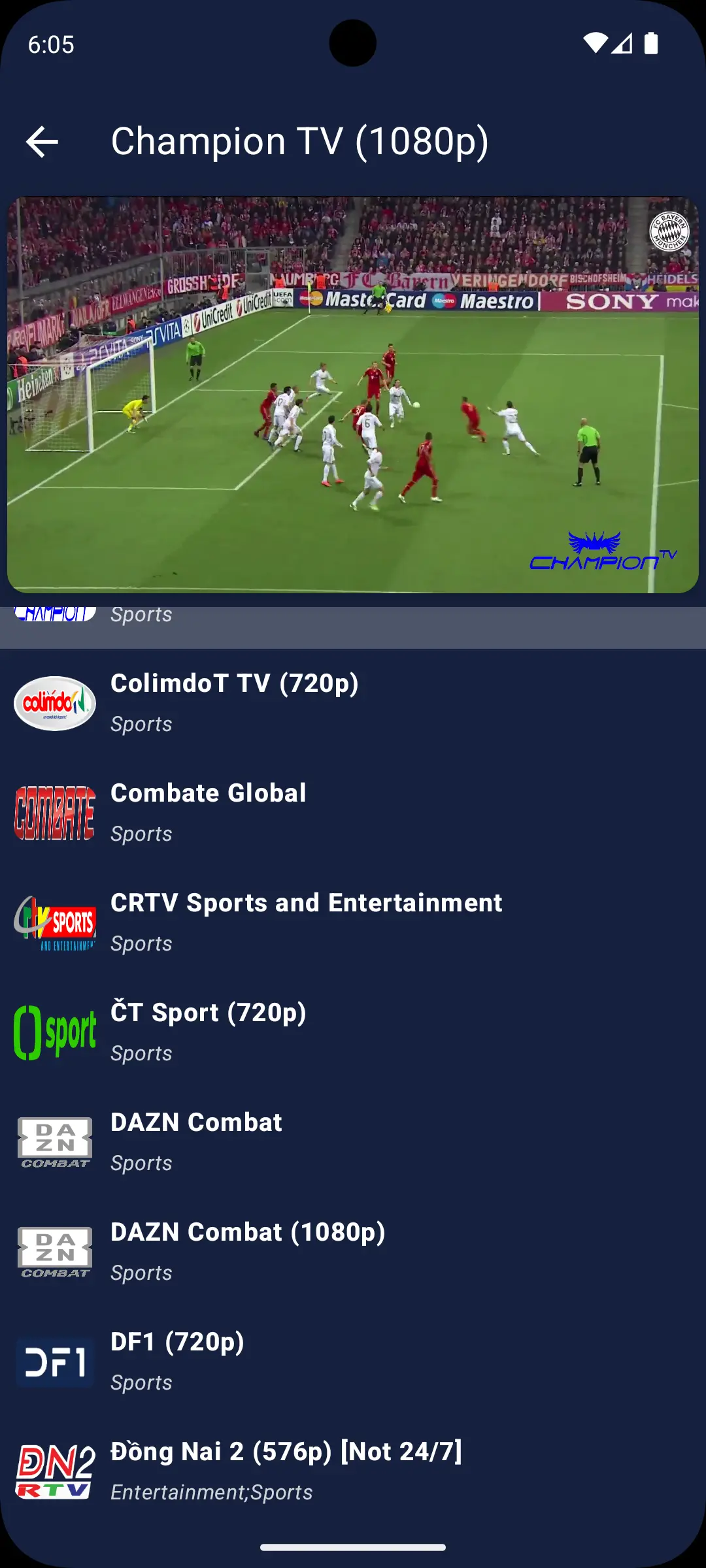
The app on a phone: player, search, playlists and settings
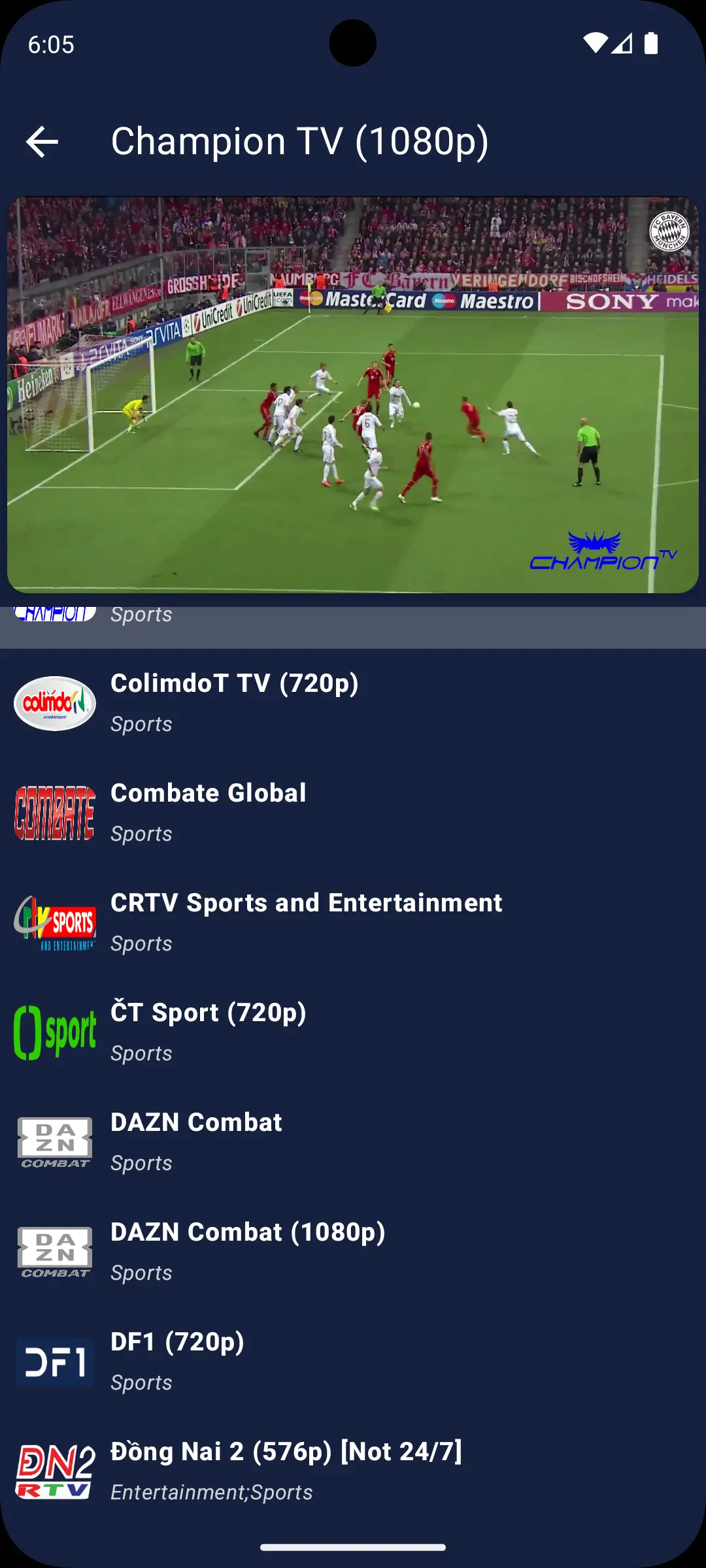
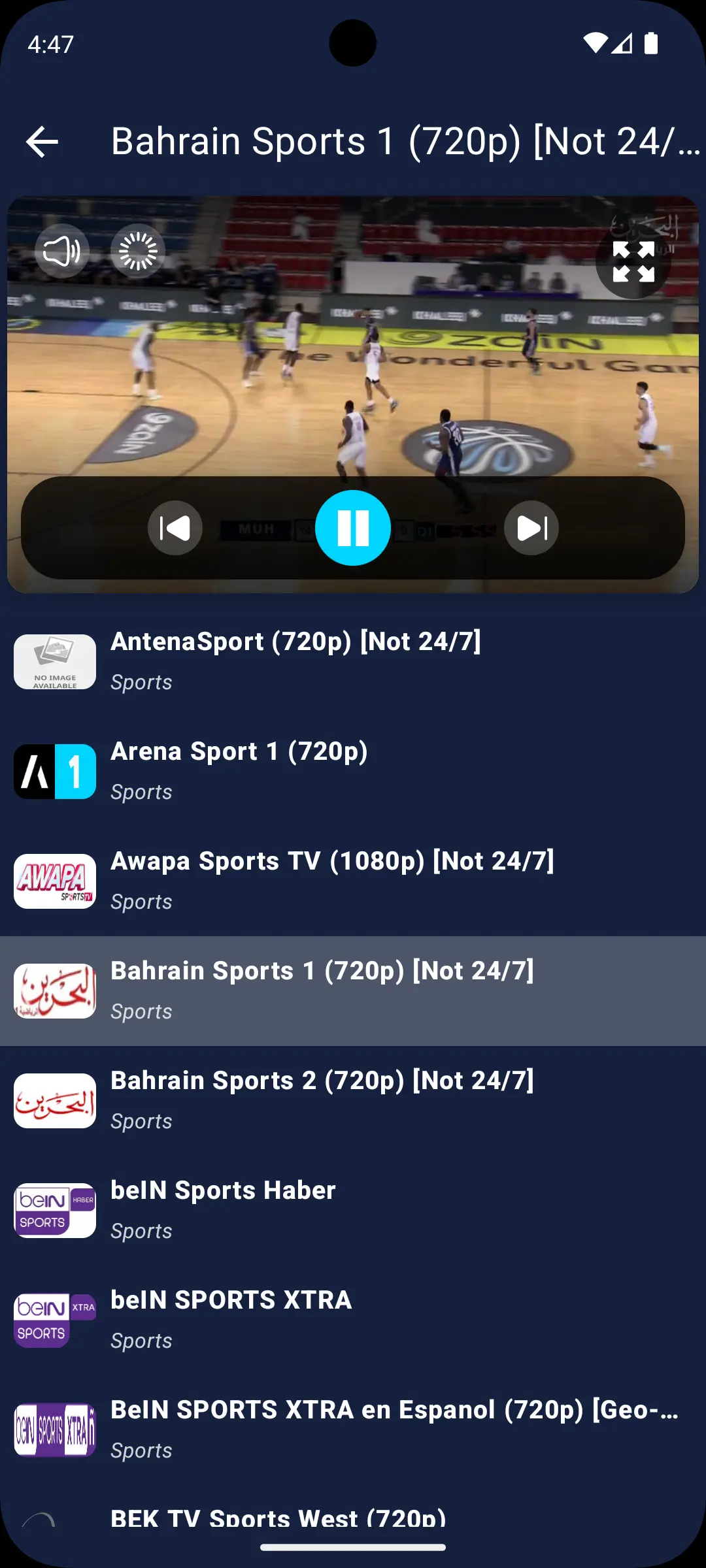
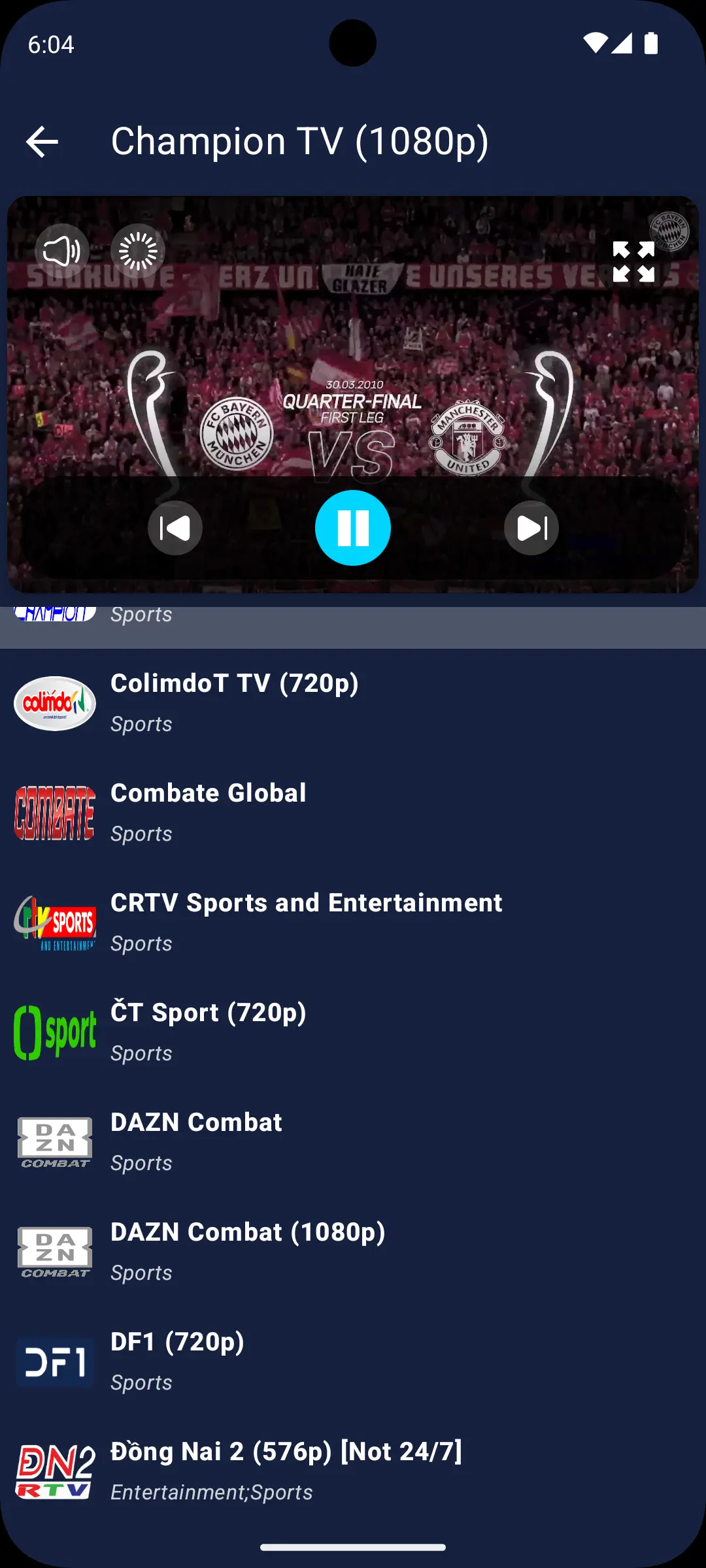
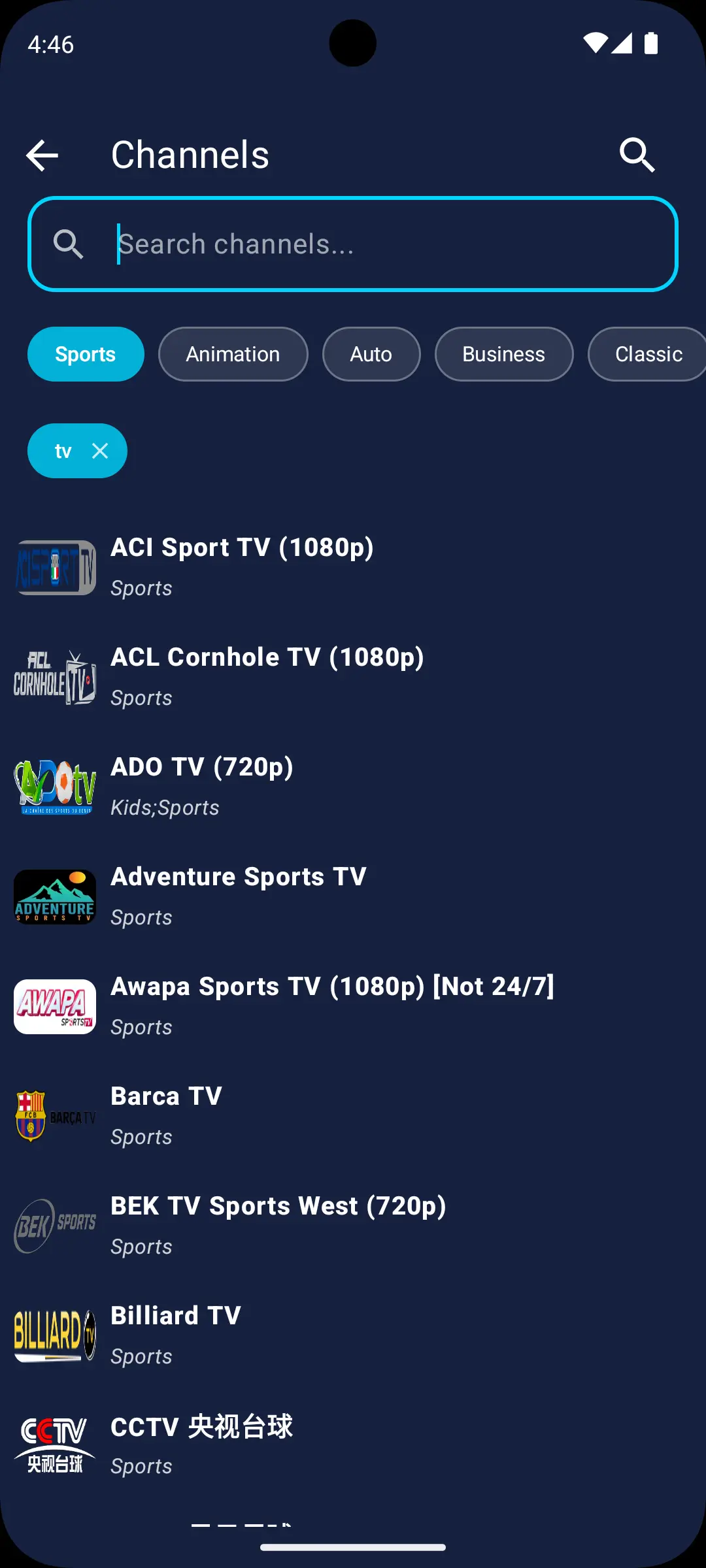
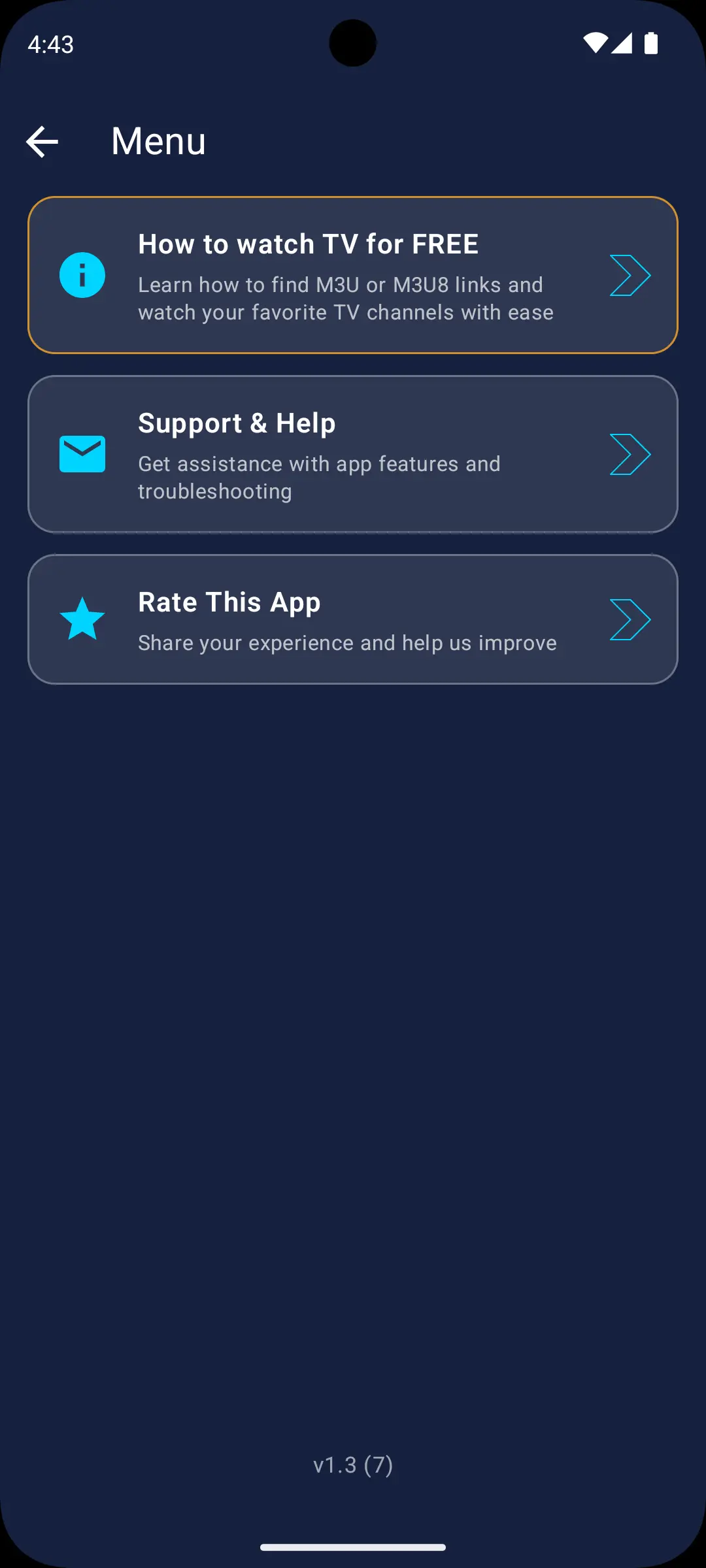
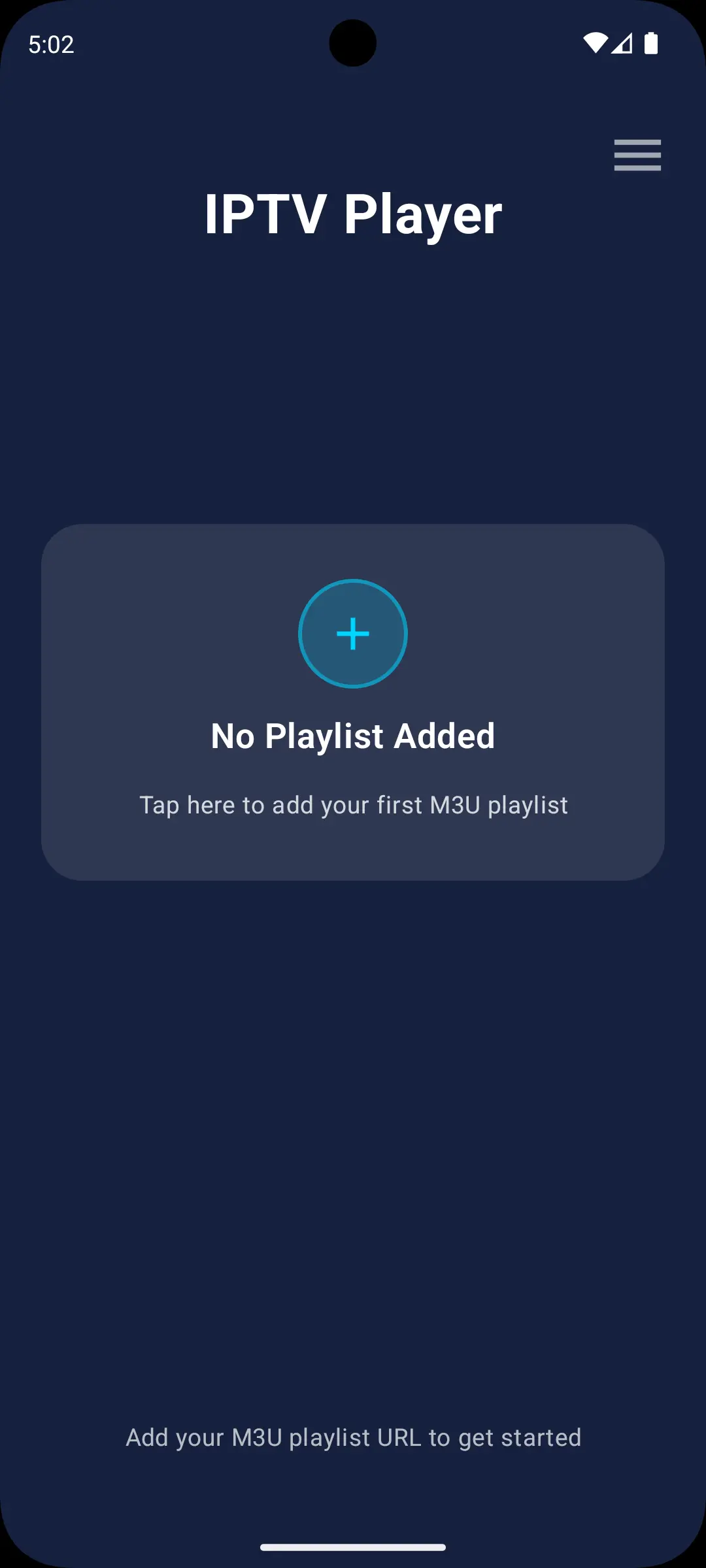
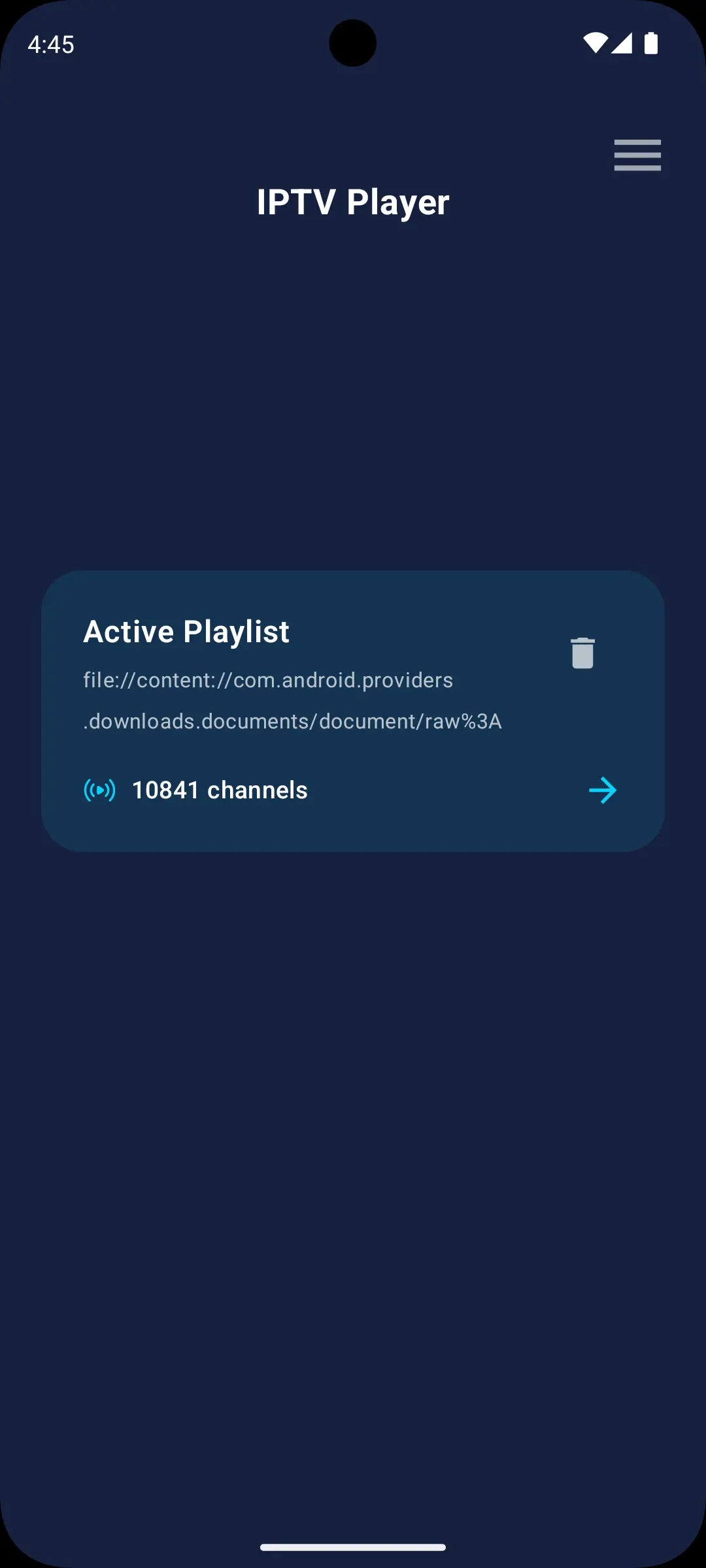
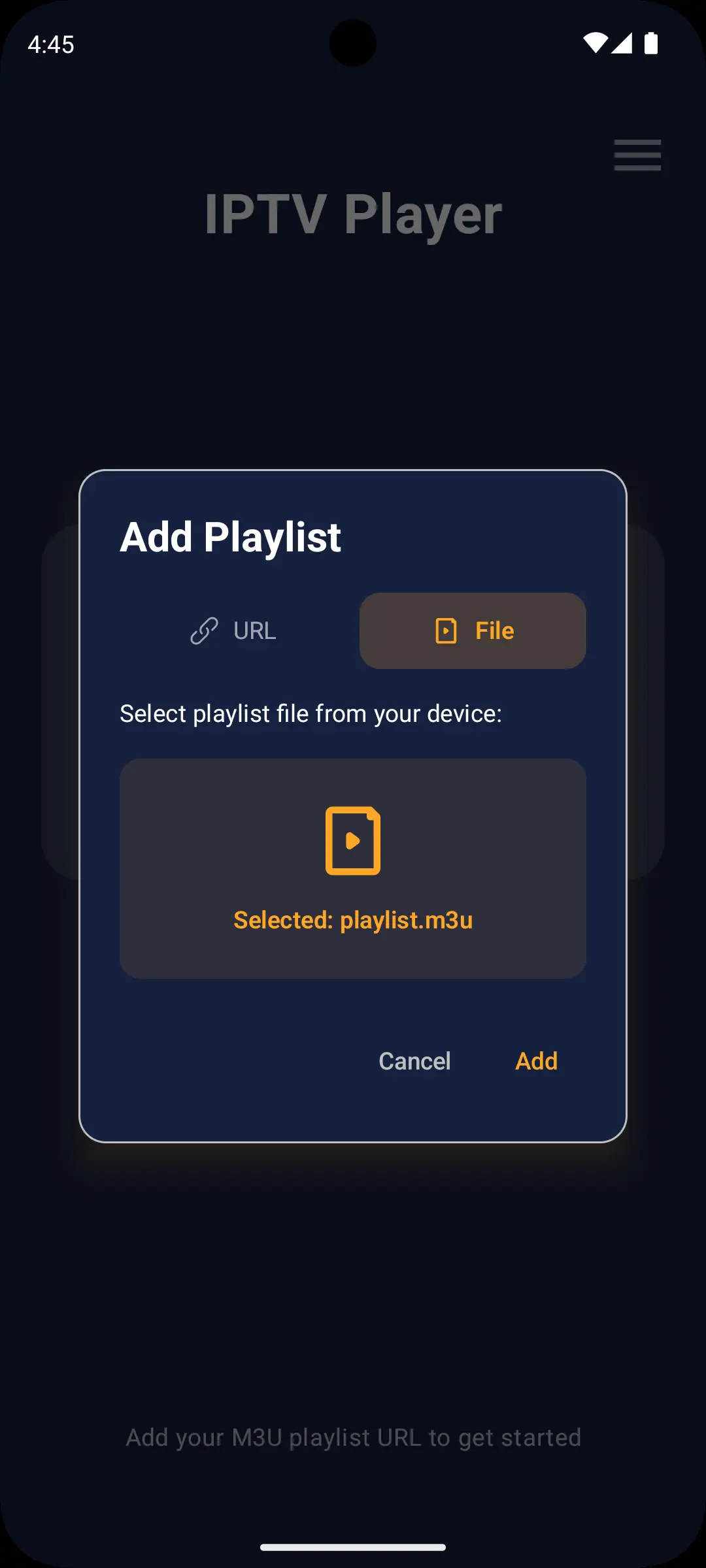
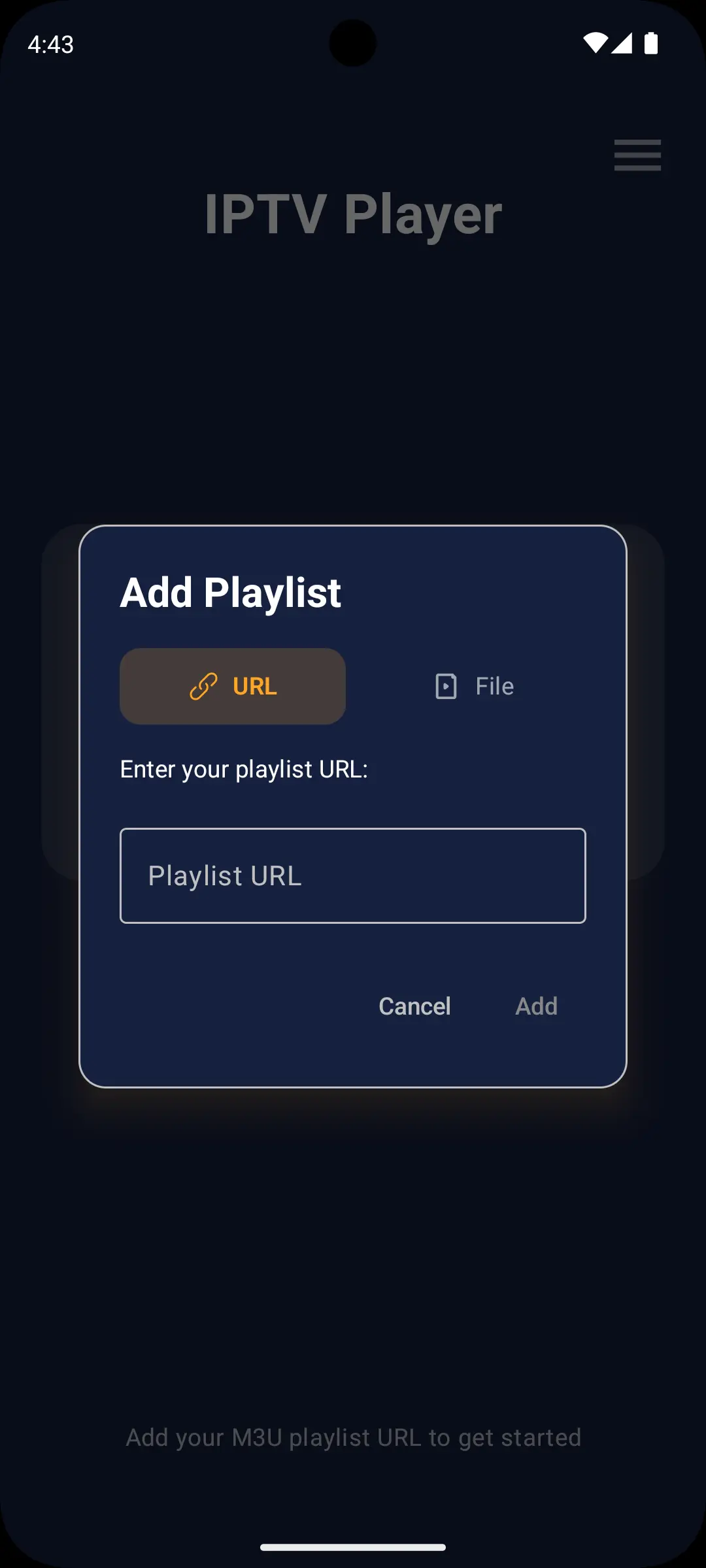
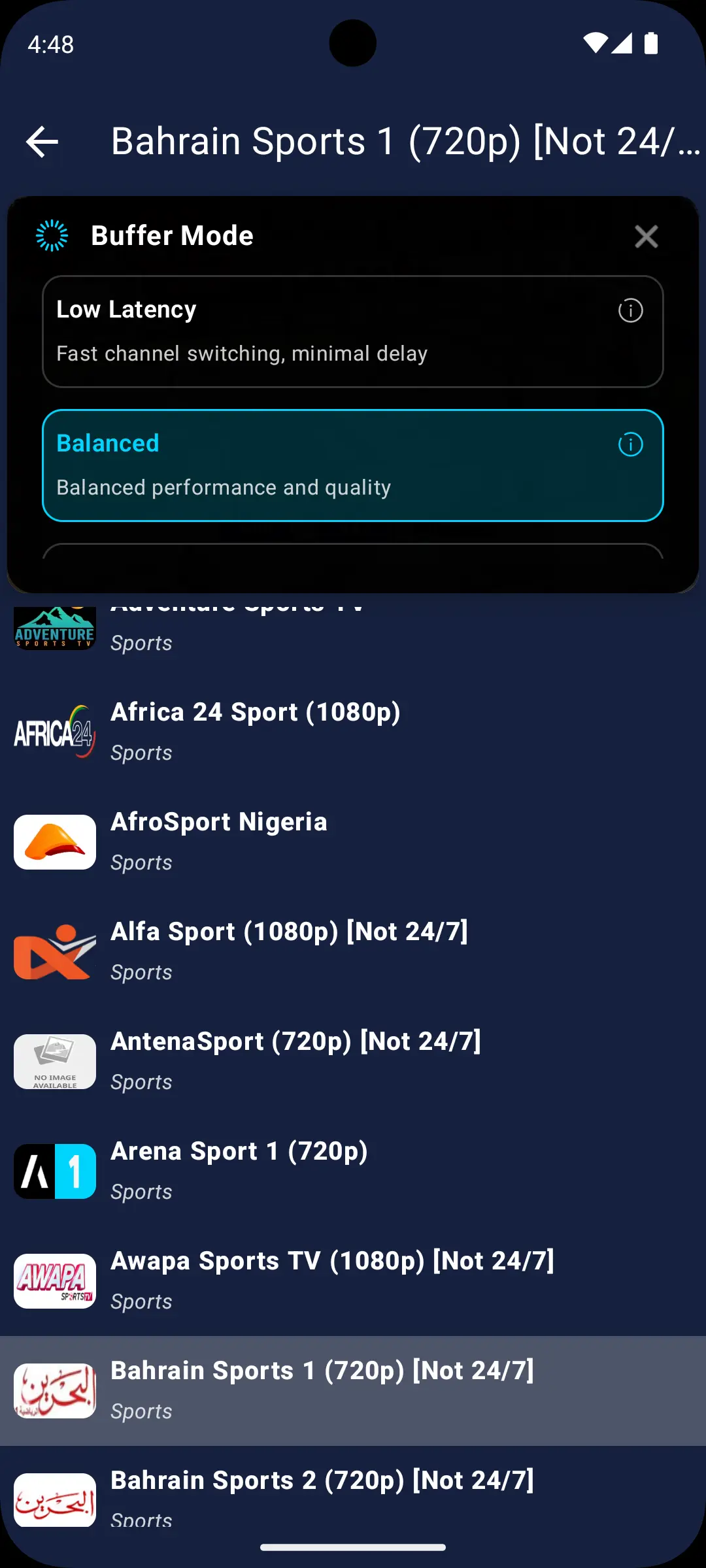
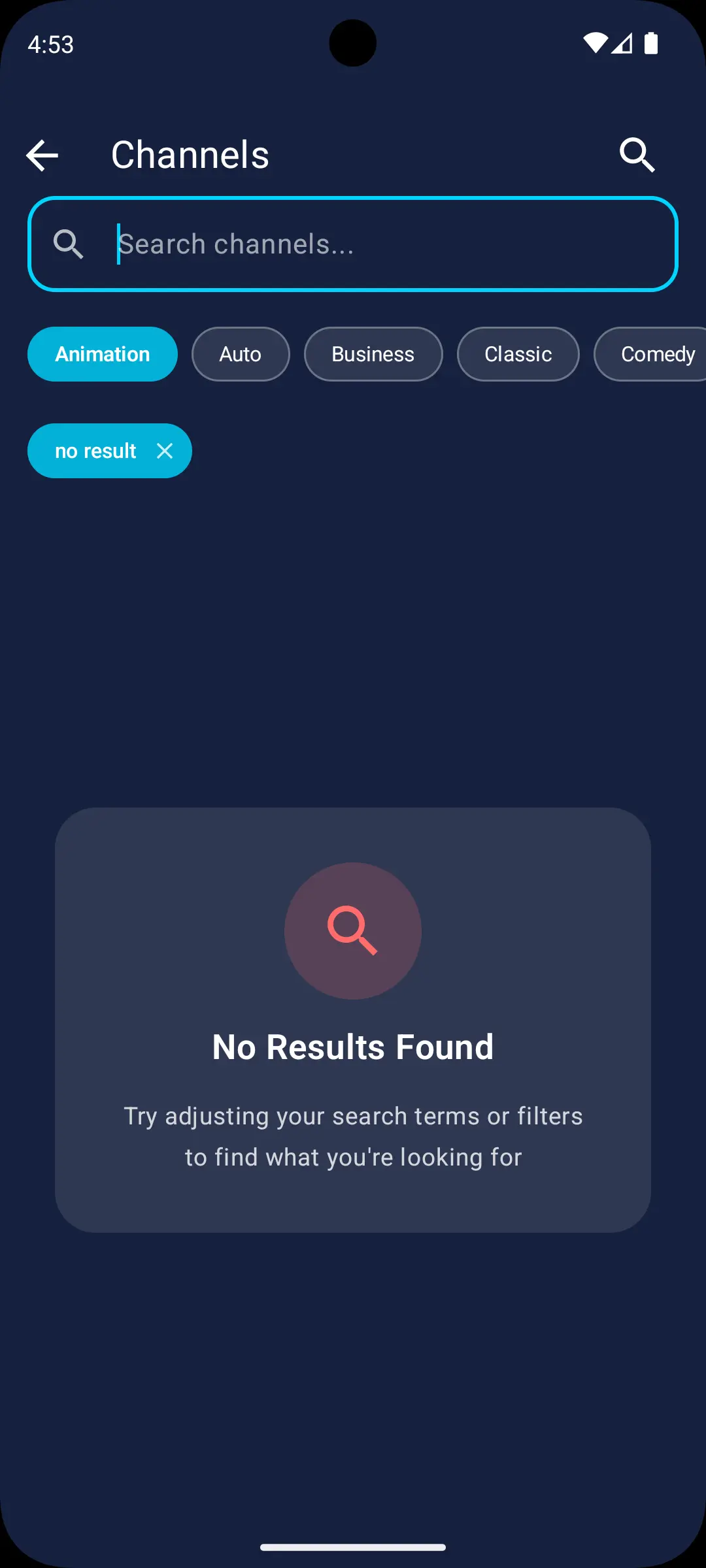
Three steps on a phone, tablet or TV
Search for IPTV Player & Live TV on your phone, tablet or Android TV, or send the install to your TV from the Google Play website.
Paste an M3U link, enter an Xtream login, pick a file, or scan the QR code on your TV and send it from your phone. No playlist yet? Open World TV is already in the app.
Filter by category, search by name, star your favorites, and change the buffering mode if a stream stutters.
Short answers about the app, Android TV and free channels
IPTV Player & Live TV is a free, ad-free player for live TV streams. It runs on Android phones, tablets and Android TV, plays M3U, M3U8, W3U, XSPF, JSON and Xtream Codes playlists, and includes Open World TV, a built-in list of free-to-air channels.
No. The app does not require a subscription or an account. You can watch the free Open World TV list, or add your own playlist from a provider you are licensed to use. The app does not sell or provide paid channels.
Android phones and tablets, and Android TV and Google TV devices, running Android 8.0 or newer. It is installed from Google Play. Samsung (Tizen), LG (webOS) and Apple devices are not supported.
Yes. IPTV Player & Live TV is free and has no ads, and no credit card is needed.
Open Add Playlist on the TV and scan the QR code on the Phone tab with your phone camera. Then send an M3U link, an Xtream login or an M3U file from your phone. Both devices must be on the same Wi-Fi network. You can also type a URL or Xtream login with the remote.
Open World TV is a built-in list of publicly available, legal free-to-air channels from around the world, more than 3,600 entries. Some channels are geo-blocked outside their home country, and the list marks them.
No. The app plays live streams and does not show a program guide or record. If you need those, a player built around them, such as TiviMate, fits better.
Setup guides, app comparisons and release notes
How to set up an IPTV player on Android TV and Google TV in 5 minutes, add playlists from your phone with a QR code, and compare 5 apps.
Read More →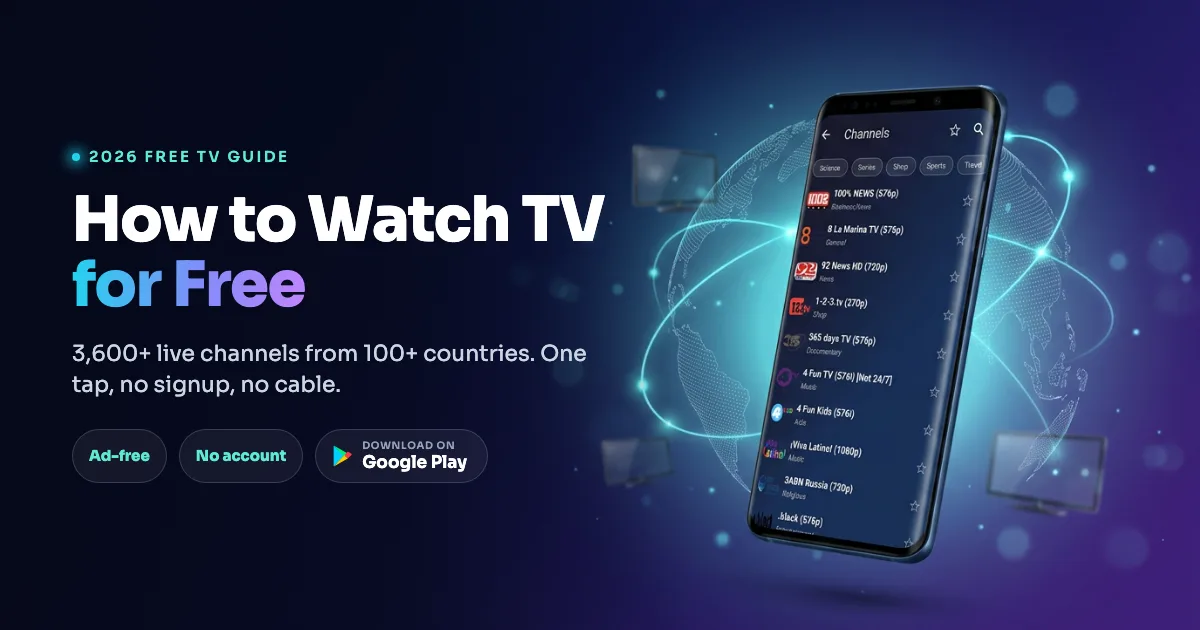
How to watch TV for free in 2026: a free TV app loads 3,624 live channels in one tap. Compared with antennas, Tubi and Pluto TV, plus safety tips.
Read More →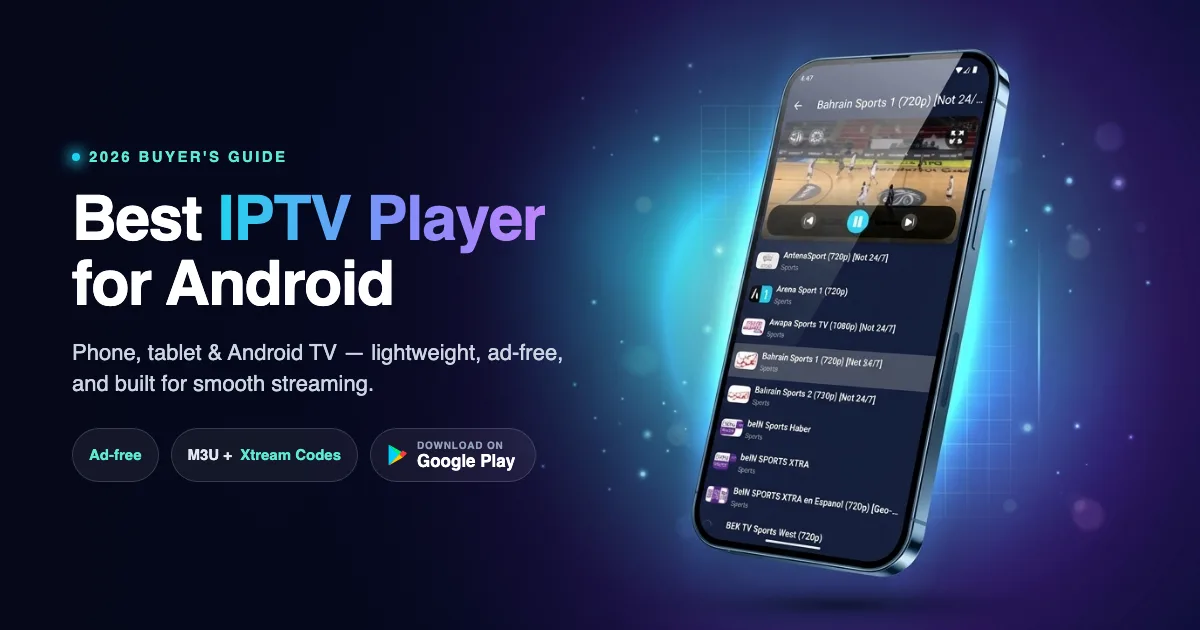
The best IPTV player for Android in 2026, compared. See which app wins for phones, tablets, and Android TV - plus setup, safety, and format support.
Read More →