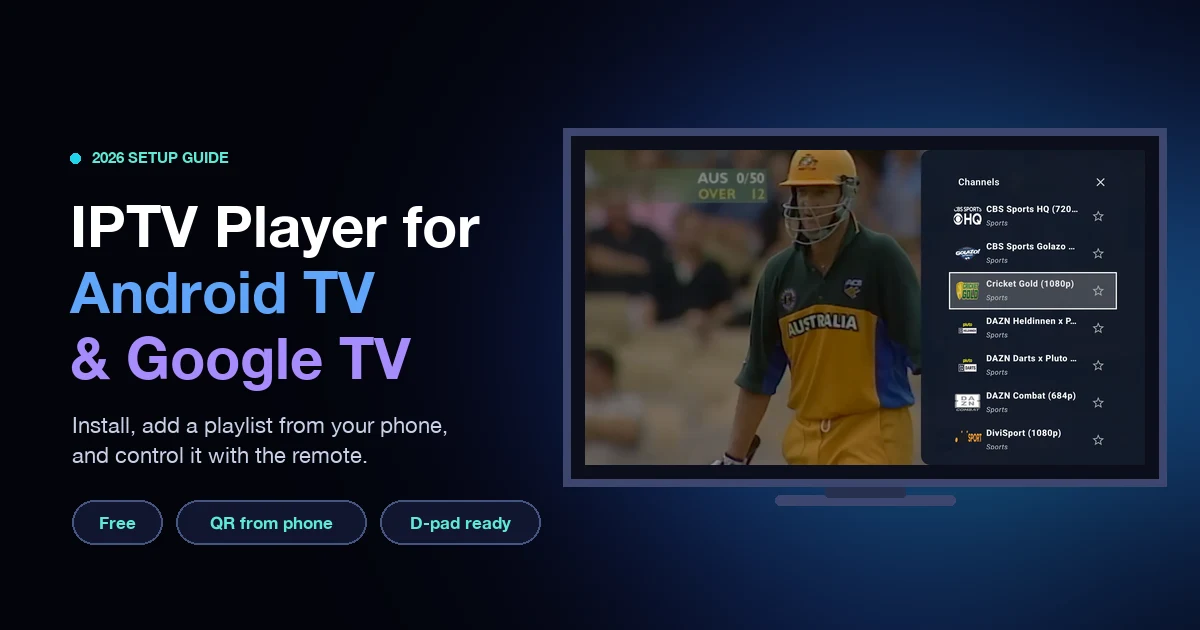
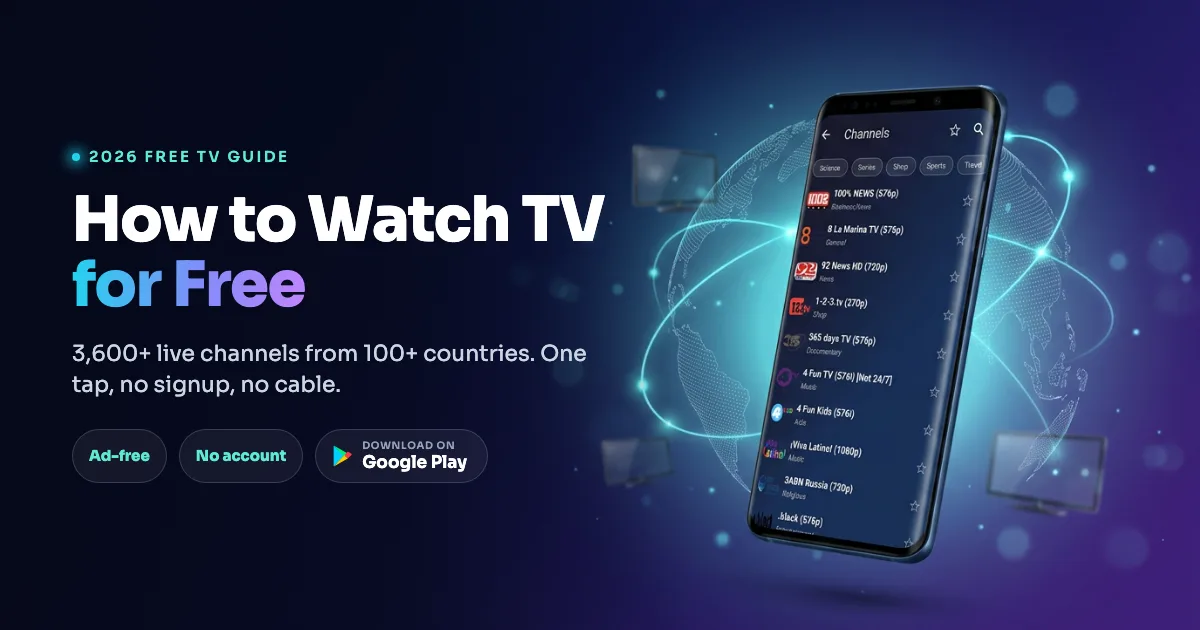
TL;DR: The best IPTV player for Android in 2026 depends on your device. For Android phones and tablets, a lightweight, ad-free app like IPTV Player & Live TV is the strongest pick - it runs on phones, tablets, and Android TV, supports M3U and Xtream Codes, and collects no data. For Android TV boxes only, TiViMate has the best EPG and DVR. Below we compare six apps, explain what actually matters, and cover legality and setup.
Quick pick - Best for phones & tablets: IPTV Player & Live TV (ad-free, lightweight) - Install free - Best for Android TV boxes: TiViMate (best EPG + DVR) - Best cross-platform veteran: IPTV Smarters Pro
Why the right Android IPTV player matters in 2026
IPTV is no longer niche. Global IPTV subscribers are projected to reach roughly 398 million in 2026, surpassing cable TV subscribers for the first time, according to industry data compiled by BritishTVStreams. The market itself is set to grow from $189.25 billion in 2025 to $221.62 billion in 2026, a 17.1% jump, per The Business Research Company.
Here is the catch: the player app does the heavy lifting. Your provider supplies the channels, but the app decides whether playback is smooth or stuttery, whether the guide loads, and whether your data stays private. Pick the wrong one and even a good playlist buffers, crashes, or bombards you with ads.
What makes a good IPTV player on Android
A good Android IPTV player nails five things: format support (M3U, M3U8, and Xtream Codes at minimum), hardware decoding for smooth 4K, a reliable EPG, stable buffering on weak networks, and a clean, ad-free interface. Anything missing one of these will frustrate you within a week. Device compatibility (phone vs TV) is the sixth deciding factor most guides ignore.
Format support: M3U vs Xtream Codes
Most providers hand you either an M3U link (a plain playlist file) or Xtream Codes login details (a username, password, and server URL). Xtream Codes is API-based, so it is generally more reliable and pulls in EPG data, channel categories, and video-on-demand automatically, notes IPTV TheFox. A player that supports both formats - plus M3U8, W3U, XSPF, and JSON - never leaves you stuck when you switch providers. For a closer look at the containers and codecs behind these playlists, see our guide to IPTV formats and codecs.
Hardware decoding and lightweight performance
Enable hardware decoding (HW+) wherever possible. Software decoding leans on the CPU and causes stuttering on lower-powered phones and budget boxes, according to streaming guide Smart4K. For 4K, expect to need a sustained 50-80 Mbps connection and a device with verified H.265/HEVC hardware decoding, ideally Android 9 or newer with 2GB+ RAM. On modest hardware, a lightweight app that does not hog memory is the difference between smooth playback and constant buffering. If you already see stutter, our tips to optimize IPTV streaming quality walk through the fixes.
The 6 best IPTV players for Android in 2026
Here are the six Android IPTV players worth your time this year, ranked by real-world usefulness. The table shows where each one fits; deeper notes follow.
| App | Phone / Tablet | Android TV | Ads | Xtream + M3U | Standout |
|---|---|---|---|---|---|
| IPTV Player & Live TV | ✅ | ✅ | ❌ ad-free | ✅ | Lightweight, private, PiP |
| TiViMate | ❌ | ✅ | ❌ | ✅ | Best EPG + DVR |
| IPTV Smarters Pro | ✅ | ✅ | ⚠️ some | ✅ | Cross-platform VOD |
| GSE Smart IPTV | ✅ | ✅ | ⚠️ some | ✅ | Advanced settings |
| Perfect Player | ✅ | ✅ | ❌ | ✅ | Simple, stable |
| OTT Navigator | ✅ | ✅ | ⚠️ trial | ✅ | Deep customization |
1. IPTV Player & Live TV - best for Android phones and tablets
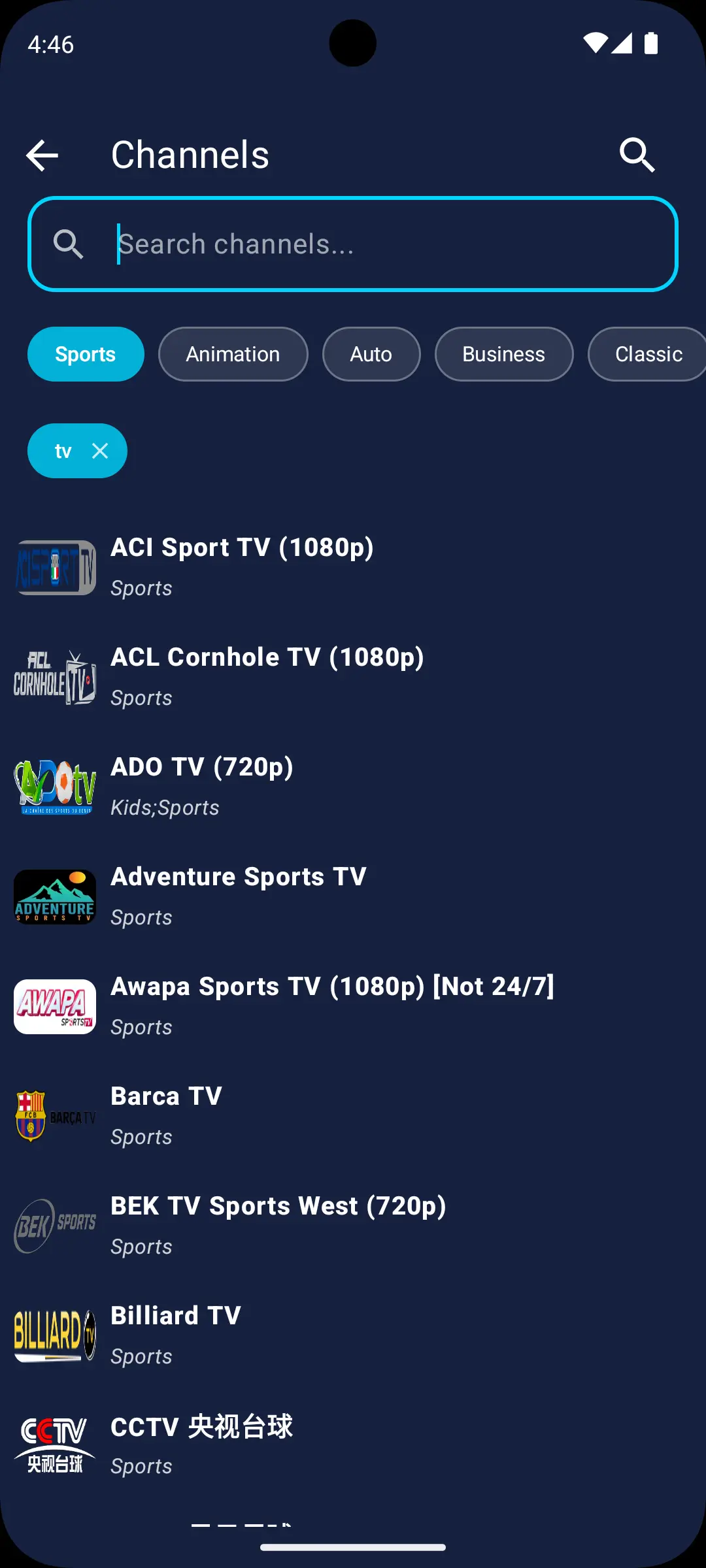
IPTV Player & Live TV is the pick for anyone watching on a phone or tablet, and it works on Android TV too. It is 100% ad-free with no data collected, so your playlists stay on your device. Reviewers repeatedly call it "minimal," "lightning-fast," and note it "just works" - exactly what you want from a daily driver.
It supports the widest format range in this list - M3U, M3U8, W3U, XSPF, JSON, and Xtream Codes - plus HLS and direct streams like MP4 and MPEG-TS. The built-in multi-playlist manager lets you save several sources and switch instantly (long-press to rename or edit), and Picture-in-Picture keeps live TV in a floating window while you use other apps. Adjustable buffering modes help it stay stable on weak Wi-Fi.
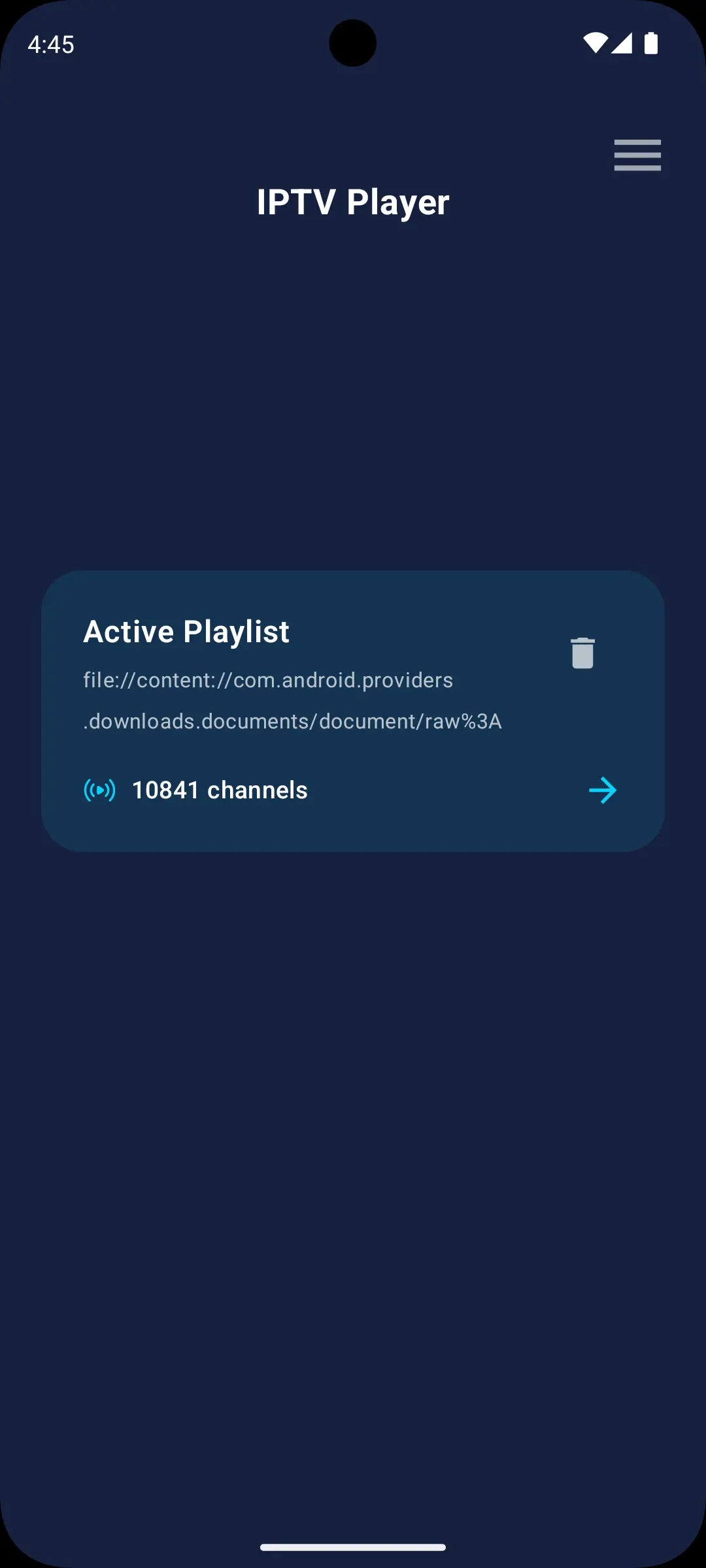
The trade-off is scope: it is a focused, lightweight player, not a bloated do-everything suite. If you want a clean, private, fast app for a phone, that is the point. Install it free on Google Play.
2. TiViMate - best for Android TV boxes
TiViMate is widely regarded as the best IPTV player for Android TV and Fire TV, thanks to a best-in-class EPG, proper 4K H.265 hardware decoding, and the only built-in DVR/recording feature in this group, per HungaryIPTV. The free version has no time limit; Premium adds multi-screen and recording for about €4.99/year.
The dealbreaker for many: TiViMate only runs on Android TV - not Android phones or tablets, as its own guides confirm. If you are reading this on your phone, TiViMate is not an option, which is exactly why phone users need a different pick.
3. IPTV Smarters Pro - best cross-platform veteran
IPTV Smarters Pro remains one of the most widely used IPTV players globally in 2026, working across Android, iOS, and Windows with native Xtream Codes support and tidy Live TV, Movies, and Series sections, according to TroyPoint. The interface is less refined than TiViMate and it can feel heavier than a lightweight player, but if you jump between platforms it is a safe, familiar choice.
4. GSE Smart IPTV - most configurable
GSE Smart IPTV is the power-user option, with granular EPG settings, multiple parser modes, and broad format support. That flexibility comes with a steeper learning curve and occasional ads, so it suits tinkerers more than people who just want to press play.
5. Perfect Player - simple and stable
Perfect Player is an older, no-frills player that still earns loyalty for being stable and lightweight on Android. It lacks the polish and VOD focus of newer apps, but for a straightforward live-TV grid it remains reliable.
6. OTT Navigator - deepest customization
OTT Navigator offers the most customization of any app here - themes, layouts, catch-up, and detailed EPG handling - behind a trial model. It rewards patience; casual users may find it overwhelming.
Is using an IPTV player legal and safe?
Yes - IPTV player apps are legal software. They are media players, the same category as VLC. Legality depends entirely on the content and provider you load into them: using a licensed, legitimate service (fuboTV, YouTube TV, Sling, Philo, Pluto TV, and similar) is completely legal, as explained by FireStickTricks. Loading pirated streams is not, and that is on the provider, not the app.
The bigger day-to-day risk is malware from sideloaded APKs. Cybersecurity testing has found that a large share of "free IPTV APK" download pages host malicious redirects or bundled installers carrying adware, crypto miners, or credential stealers. The fix is simple: install your player from the official Google Play Store, not from random APK sites. Apps like IPTV Player & Live TV that declare no data collection and ship ad-free reduce that risk further.
How to set up an IPTV player on Android
Setup takes under two minutes once you have your provider details. The two common paths are an M3U URL or Xtream Codes login.
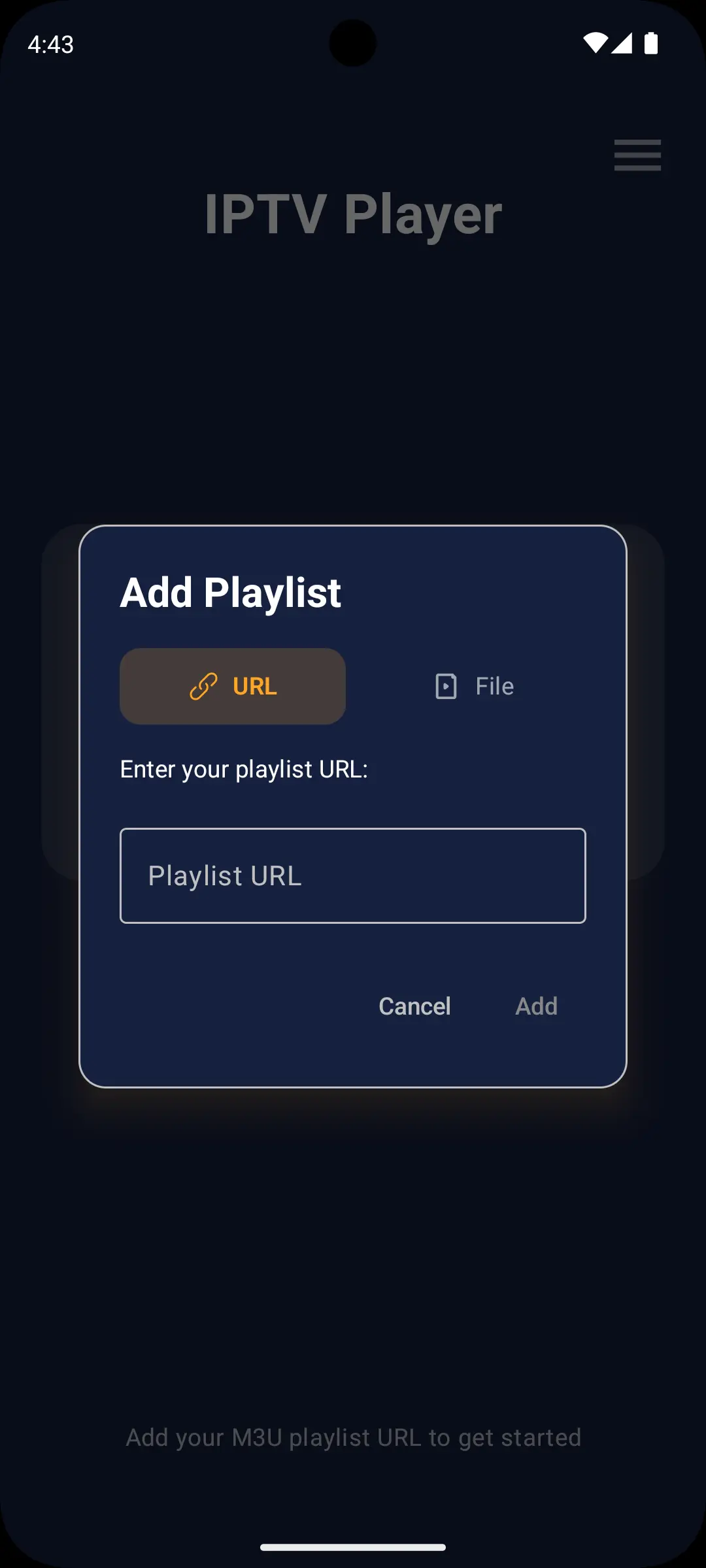
- Install the player from Google Play and open it.
- Add your playlist. For M3U, paste the remote URL (or load a local file). For Xtream Codes, enter your username, password, and server URL.
- Wait for channels and EPG to load. Xtream logins usually pull the guide automatically; M3U may need a separate EPG URL.
- Organize. Save the playlist, name it, and use search or category filters to find channels fast.
- Tune playback. If a stream stutters, raise the buffering mode and confirm hardware decoding is on.
That is it - no rooting, no sideloading, no technical knowledge required.
Which Android IPTV player should you choose?
If you watch on a phone or tablet, choose a lightweight, ad-free, privacy-first player - IPTV Player & Live TV covers that and still works on your TV later. If you have an Android TV box only and care most about the guide and recording, TiViMate is the specialist. If you constantly switch between Android, iOS, and Windows, IPTV Smarters Pro is the flexible veteran. Everyone else is a variation on those three needs.
For most people starting in 2026, begin with a clean, free, ad-free player and add complexity only if you actually miss a feature. Download IPTV Player & Live TV free and load your first playlist in a couple of taps.
Frequently asked questions
What is the best IPTV player for Android?
For Android phones and tablets, the best IPTV player in 2026 is a lightweight, ad-free app such as IPTV Player & Live TV, which supports M3U and Xtream Codes and works on phones, tablets, and Android TV. For Android TV boxes specifically, TiViMate offers the best EPG and recording.
What is an IPTV player?
An IPTV player is an app that plays live TV, movies, series, and radio from internet-based playlists you provide, usually via an M3U link or Xtream Codes login. The player does not supply channels itself; it plays the streams from your own provider.
Is the best IPTV player for Android free?
Yes. Several strong Android IPTV players are free, including IPTV Player & Live TV, which is 100% ad-free with no paid tier required, and TiViMate, which has a free version with no time limit. You still need a separate IPTV service for the actual channels.
Does TiViMate work on Android phones?
No. TiViMate only runs on Android TV and Fire TV, not on Android phones or tablets. Phone and tablet users should choose a mobile-friendly player such as IPTV Player & Live TV instead.
What is the difference between M3U and Xtream Codes?
M3U is a plain playlist file containing channel links. Xtream Codes is an API-based login (username, password, server) that also delivers EPG data, channel categories, and video-on-demand automatically, making it more reliable. The best players support both.
How do I stop IPTV buffering on Android?
Increase the app's buffering mode, make sure hardware decoding is enabled, and confirm your connection can sustain the stream's bitrate - 4K needs roughly 50-80 Mbps. A lightweight player that does not hog RAM also helps on older phones and budget boxes.