IPTV Player & Live TV started in 2025 as a simple M3U player for Android phones. Since then it has gained more playlist formats, a built-in list of free-to-air channels, better handling of large playlists, and, with version 3.0, a full Android TV experience. This page lists what changed, grouped by period, so you can see what the app does today and when each feature arrived.
At a glance
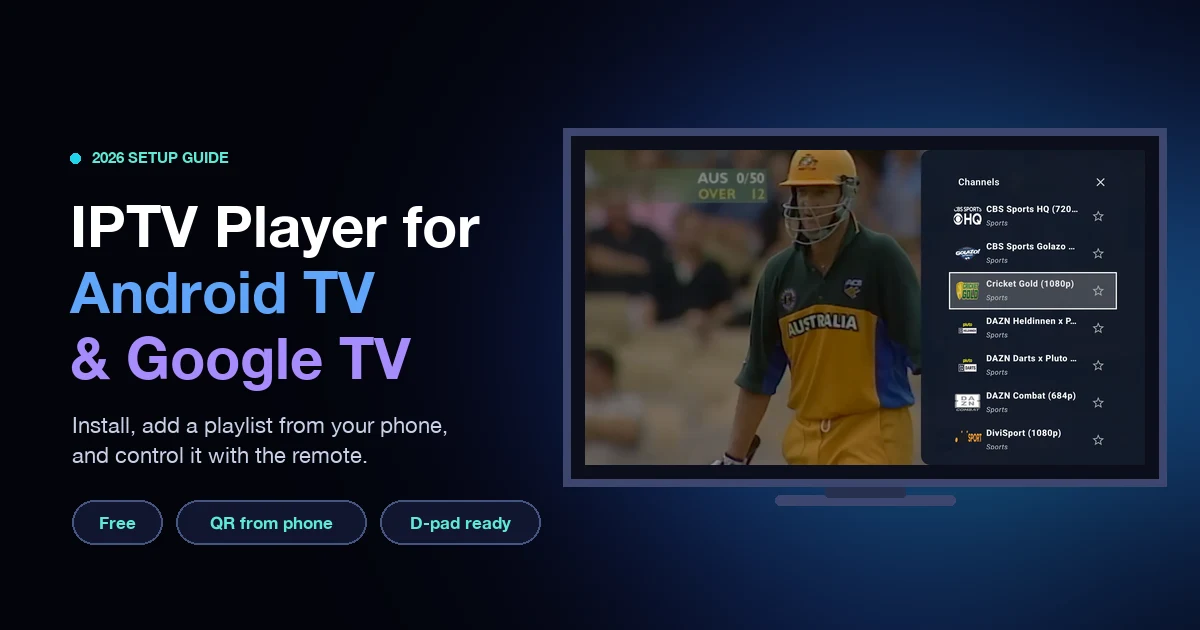
- Version 3.0: the app runs on Android TV and Google TV, with remote control support and a QR code to send playlists from your phone.
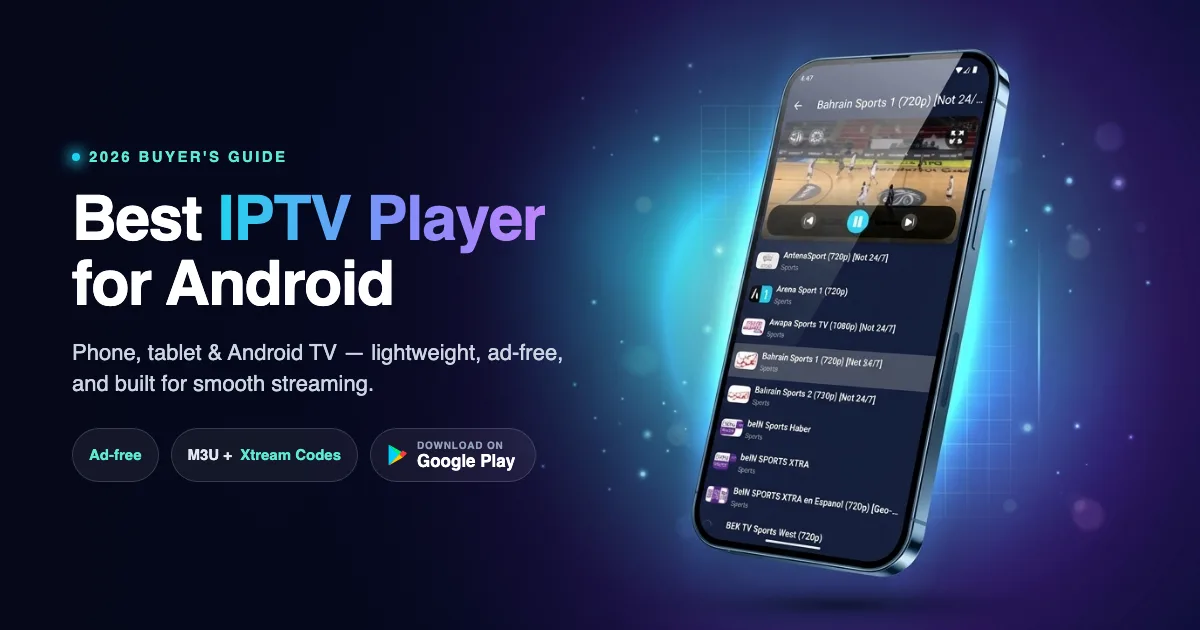
- Playlists: M3U, M3U8, W3U, XSPF, JSON and Xtream Codes, with multiple playlists you can switch between.
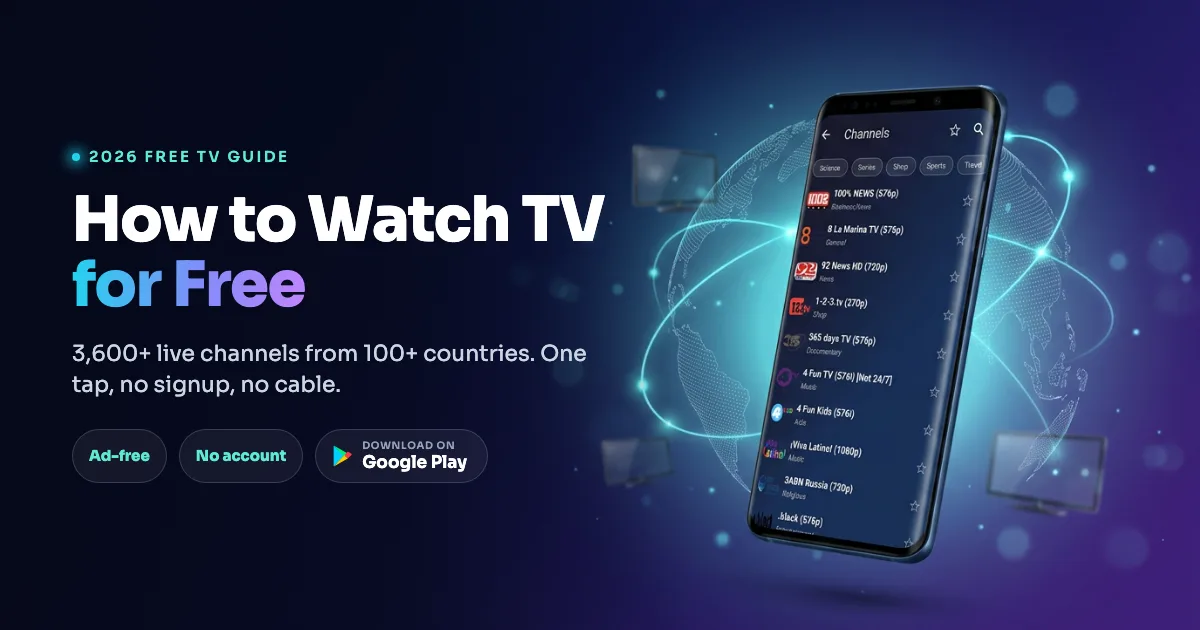
- Open World TV: a built-in list of publicly available, legal free-to-air channels, so you can watch without adding anything.
The dates below are based on our development history, and the exact Google Play release date of a feature can be a few days later. For a setup walkthrough of the latest version, see our Android TV guide.
October 2026: Android TV arrives (version 3.0 and 3.01)
Version 3.0 is the largest update so far. The same app now installs from Google Play on Android TV and Google TV devices.
- Remote control support: every screen can be used with the arrow keys, OK and Back. The player responds to the remote, including channel up and channel down keys where your remote has them.
- Layouts made for TV: screens are laid out for the big screen, and a visible focus ring shows which item is selected.
- Add playlists from your phone: the Add Playlist dialog on a TV opens on a Phone tab with a QR code. Scan it, then send an M3U link, an Xtream login or an M3U file from your phone. A short six-character code is used in the link, and the phone and TV must be on the same Wi-Fi network.
- TV banner: the app shows its own banner on the Android TV home screen.
Version 3.01 followed with stability fixes for issues found after the first TV release, such as a focus problem and a network port conflict on startup.
September 2026: versions 2.0 to 2.11
- Channel side panel: open the channel list next to the video while you keep watching.
- Remembered buffering choice: the buffering mode you pick is kept between sessions.
- Stability and smoothness: fixes for app-not-responding problems and a lighter animated background.
- Fewer permissions: an unused media storage permission was removed.
Summer 2026: bigger playlists and more control
- Picture-in-Picture: keep live TV in a small window on a phone while you use other apps.
- Multiple playlists: save several lists, rename or edit them and switch quickly.
- Xtream Codes tab: enter your Xtream login directly, alongside the M3U link and file options.
- Favorites: star the channels you watch most.
- Large playlist handling: playlists are now stored in a local database, and channel lists load in pages, so lists with thousands of channels open faster. Search was also made easier to see and use.
- Player improvements: a refreshed home screen and a better full-screen player.
January 2026: Open World TV and more formats
- Open World TV: a built-in list of publicly available, legal free-to-air channels from around the world. You can start watching without adding a playlist, and some channels are geo-blocked outside their home country.
- New playlist formats: W3U (playlists with nested groups), XSPF (XML playlists), custom JSON playlists and Xtream Codes API support, on top of the original M3U and M3U8.
2025: the first releases
- Playlists from a link or a file: add an M3U or M3U8 playlist by URL or from a file on your device.
- Buffering control: choose how much the player buffers, to trade start-up speed for stability on weak connections. Today there are five modes, from Low latency to Poor network.
- Volume control and mute: adjust volume inside the player.
- In-app menu and guide: a menu with help content and a way to contact support.
What the app does not do
To keep expectations clear: IPTV Player & Live TV is a player. It does not provide a paid channel package, and it does not have a program guide (EPG) or recording. If you need those, read what an EPG is and how it works and compare the options in our best IPTV players for Android guide.
How to update
- Open Google Play on your phone, tablet or TV.
- Search for IPTV Player & Live TV.
- Tap Update, or turn on auto-update for the app.
Feedback helps decide what comes next. You can reach us from the app menu or on the contact page.
Frequently asked questions
What is the latest version of IPTV Player & Live TV?
The newest major release is version 3.0, which added Android TV and Google TV support. Check the Google Play listing for the current version number, because small fixes follow major releases.
Does the app work on Android TV?
Yes, since version 3.0. It installs from Google Play on Android TV and Google TV and works with the remote control. Samsung (Tizen) and LG (webOS) TVs are not Android, so the app does not run on them.
How do I add a playlist on my TV?
Open Add Playlist on the TV and scan the QR code on the Phone tab with your phone. Send an M3U link, an Xtream login or an M3U file from the phone. Both devices need to be on the same Wi-Fi network.
Which playlist formats does the app support?
M3U, M3U8, W3U, XSPF, JSON and Xtream Codes.
Does the app have an EPG or recording?
No. The app plays live streams and does not show a program guide or record.